

This test post was generated using the block theme Emptytheme in WordPress 6.1.1.
Navigation block with page list:
Site logo:
Site title:
ballootest.remotifywork.com
Tagline block:
Query loop “Title & Date” variation:
-
Template: Sticky
-
Post Format: Image
-
WP 6.1 Theme block category
-
WP 6.1 Design category blocks
Query loop “Title & Excerpt” variation:
-
Template: Sticky
This is a sticky post. There are a few things to verify: The sticky post should be distinctly recognizable in some way in comparison to normal posts. You can style the .sticky class if you are using the post_class() function to generate your post classes, which is a best practice. They should show at the…
-
Post Format: Image
-
Markup: Image Alignment
Welcome to image alignment! The best way to demonstrate the ebb and flow of the various image positioning options is to nestle them snuggly among an ocean of words. Grab a paddle and let’s get started. On the topic of alignment, it should be noted that users can choose from the options of None, Left,…
-
Markup: Text Alignment
Default This is a paragraph. It should not have any alignment of any kind. It should just flow like you would normally expect. Nothing fancy. Just straight up text, free flowing, with love. Completely neutral and not picking a side or sitting on the fence. It just is. It just freaking is. It likes where…
-
Markup: Title With Special Characters ~`!@#$%^&*()-_=+{}[]/\;:’”?,.>
Putting special characters in the title should have no adverse effect on the layout or functionality. Special characters in the post title have been known to cause issues with JavaScript when it is minified, especially in the admin when editing the post itself (ie. issues with metaboxes, media upload, etc.). Latin Character Tests This is…
Query loop “Title, Date & Excerpt” variation:
-
Template: Sticky
This is a sticky post. There are a few things to verify: The sticky post should be distinctly recognizable in some way in comparison to normal posts. You can style the .sticky class if you are using the post_class() function to generate your post classes, which is a best practice. They should show at the…
-
Post Format: Image
-
Block: Button
Button blocks are not semantically buttons, but links inside a styled div. If you do not add a link, a link tag without an anchor will be used. Check to make sure that the text wraps correctly when the button has more than one line of text, and when it is extra long. Buttons have…
-
Block: Cover
The cover block lets you add text on top of images or videos. This blocktype has several alignment options, and you can also align or center the text inside the block. The background image can be fixed and you can change its opacity and add an overlay color. Make sure that the text wraps correctly…
-
Block: Gallery
Gallery blocks have two settings: the number of columns, and whether or not images should be cropped. The default number of columns is three, and the maximum number of columns is eight. Below is a three column gallery at full width, with cropped images. Some more text for taking up space. A two column gallery,…
Query loop “Image, Date & Title” variation:
-
Template: Sticky
-
Post Format: Image
-
Hello world!
-
WP 6.1 Font size scale
-
WP 6.1 spacing presets
Avatar block:

Post title block:
WP 6.1 Theme block category
Post excerpt:
This test post was generated using the block theme Emptytheme in WordPress 6.1.1. Navigation block with page list: Site logo: Site title: Tagline block: Query loop “Title & Date” variation: Query loop “Title & Excerpt” variation: Query loop “Title, Date & Excerpt” variation: Query loop “Image, Date & Title” variation: Avatar block: Post title block:…
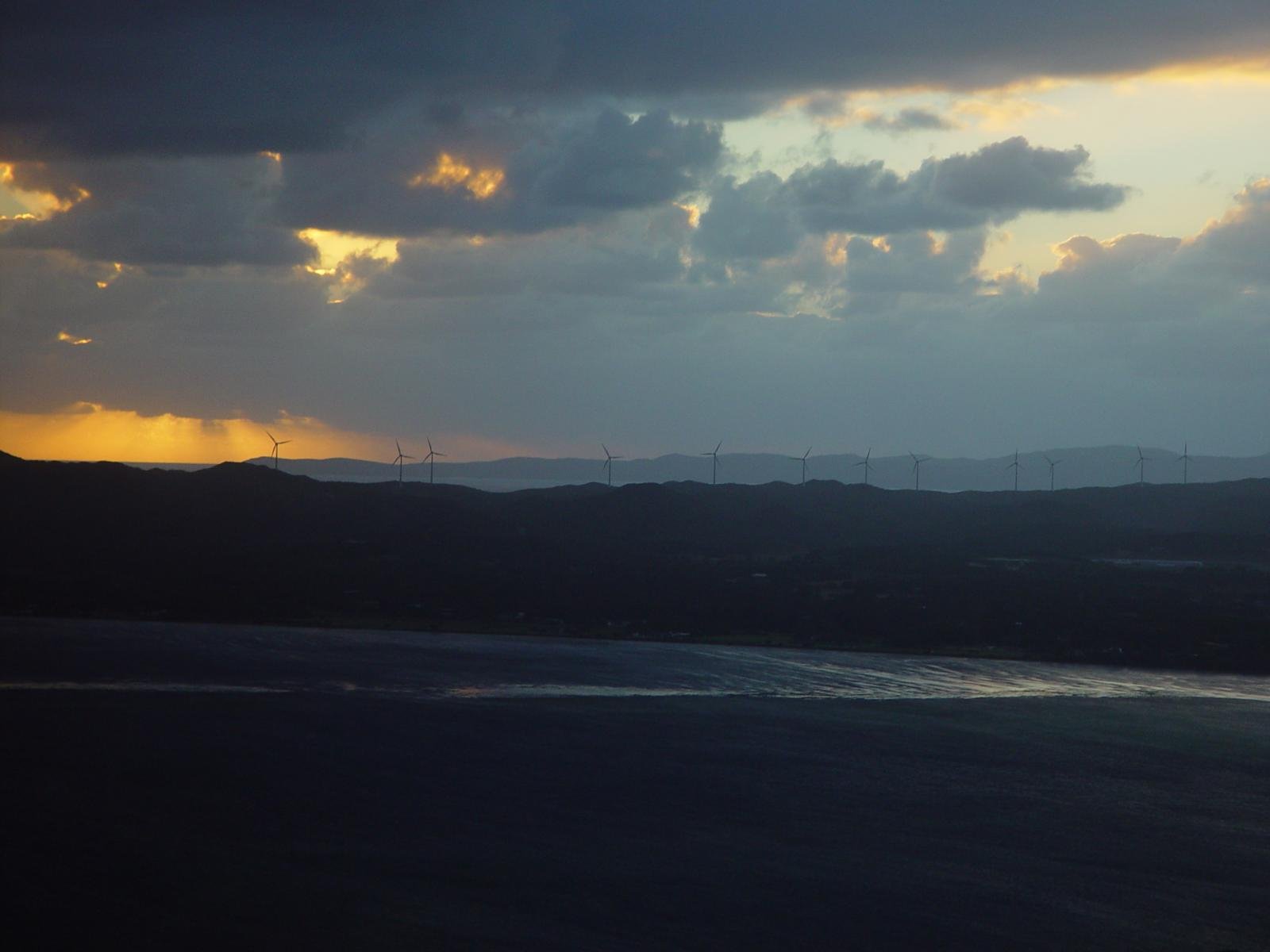
Post featured image:
Post author:

Post date:
Categories:
Tags:
Next post & previous post:
Read More:
Read more: WP 6.1 Theme block categoryComments block:
One response to “WP 6.1 Theme block category”
-
This test post needs a comment.

Post comments form block:
Leave a Reply
Login/out:
Author biography block:
Term description, archive title, search results title can not be shown on single posts.


Leave a Reply